
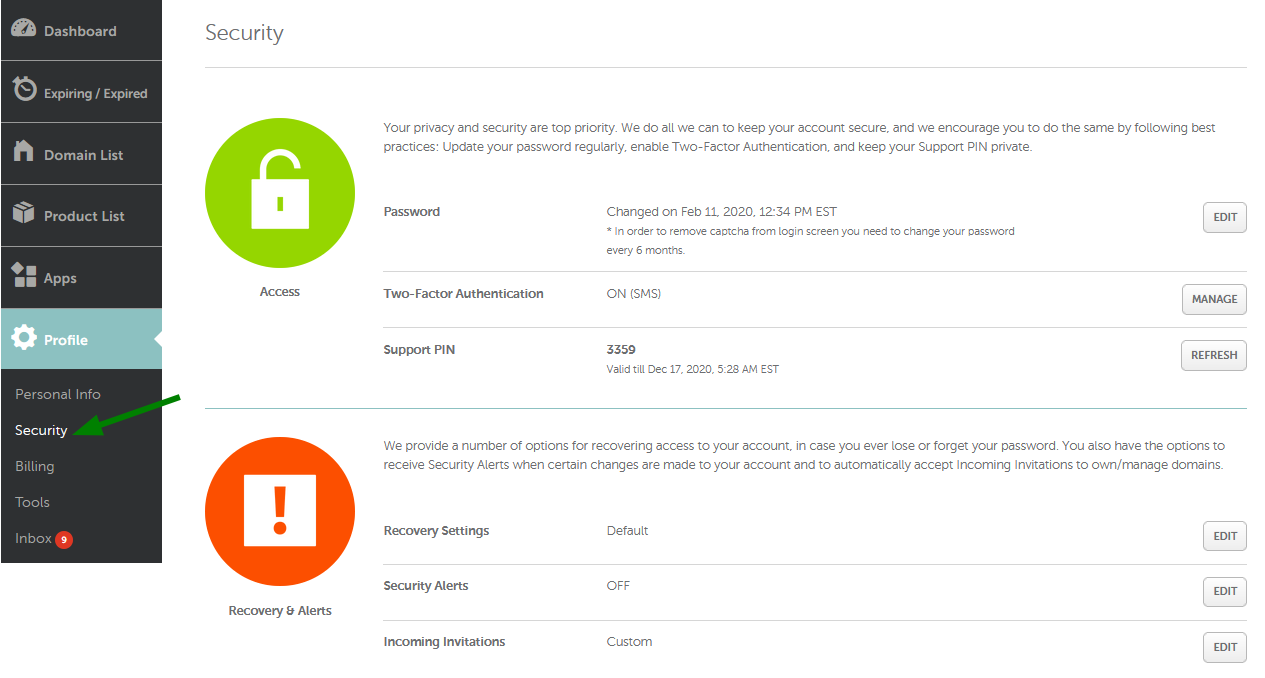
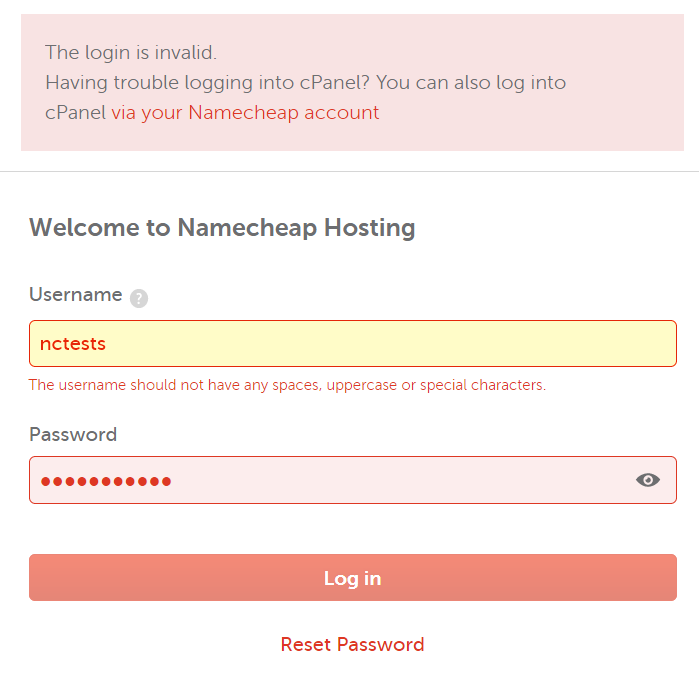
In the digital age, access is paramount. For anyone managing a website or online presence, a locked account on a critical service like Namecheap can feel like being stranded in a digital desert. While a momentary lockout due to a few failed password attempts is a common, often brief inconvenience—typically resolved by a 10-minute IP block after 20 incorrect tries—the more perplexing and frustrating scenario arises when access is denied for an extended period, sometimes stretching into days or even weeks. This isn't merely a hiccup; it signals a deeper issue that demands investigation and understanding.
When Namecheap implements a prolonged login block, it often points to more severe underlying concerns than a simple forgotten password. Primary culprits frequently include suspected fraudulent activities detected on your account, instances of chargebacks, or a violation of Namecheap's stringent terms of service. These actions trigger a robust security protocol, leading to the temporary freezing of your account to prevent further unauthorized access or to mitigate potential risks. In such cases, the communication from Namecheap will typically be directed to the email address associated with your account, detailing the specific reasons for the lock and outlining the necessary steps for remediation, which often involves submitting documentation to verify your identity or address the violation.

Beyond direct account security, an often-overlooked reason for prolonged access issues relates to domain suspension. Your domain registrar, Namecheap in this instance, is legally obligated to ensure that domain registrant information is accurate and up-to-date. If Namecheap sends a domain information request via email and receives no response, it can lead to your domain being suspended, a state often referred to as 'serverHold' by the Registry. While this might not directly block your Namecheap login, it can severely impact your ability to manage your domain, services, and indirectly, your overall account functionality, creating a similar sense of lockout from your digital assets. Checking the email associated with your domain is crucial here, as it will contain the specific reasons for suspension and the steps required to lift the hold.
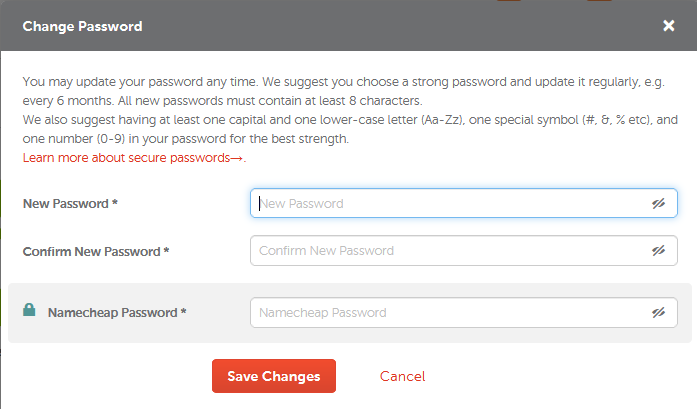
Regaining access to a locked Namecheap account requires a methodical approach. The immediate course of action should always be to check the email address registered with your Namecheap account for any communications detailing the lockout reason and next steps. If a password reset is available and the issue is minor, this might provide immediate relief. However, for more complex issues like fraud or terms of service violations, direct engagement with Namecheap's support team is indispensable. Be prepared to provide identification and any requested documentation promptly. While some users have reported lengthy resolution times, proactive communication and adherence to their security protocols are your best bet for navigating these challenges and restoring your digital gateway.